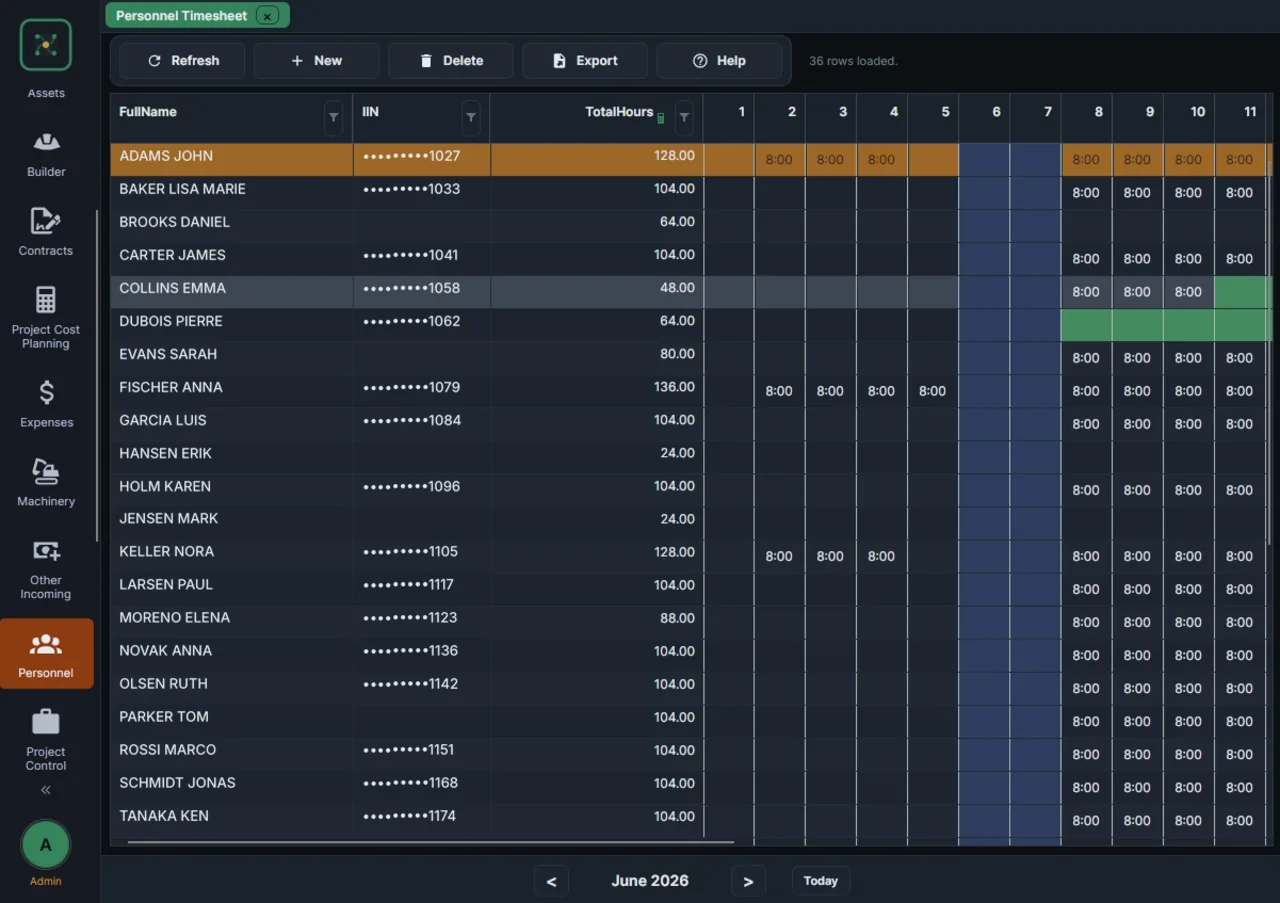
COST & PROCUREMENT
Know the cost. Protect the margin.
Connect quantities, purchasing, stock and subcontractor payment to the same project model.

01
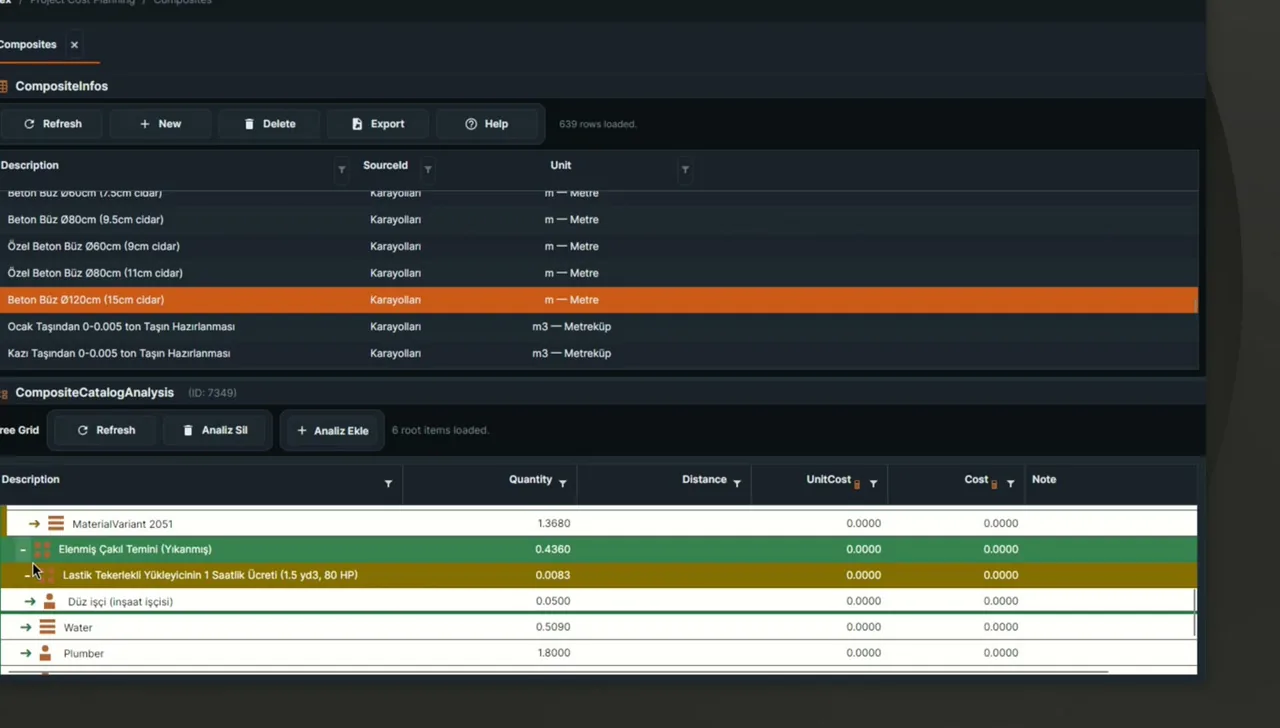
Start with the quantities.
Connect the bill of quantities to the resources and cost analysis behind it.

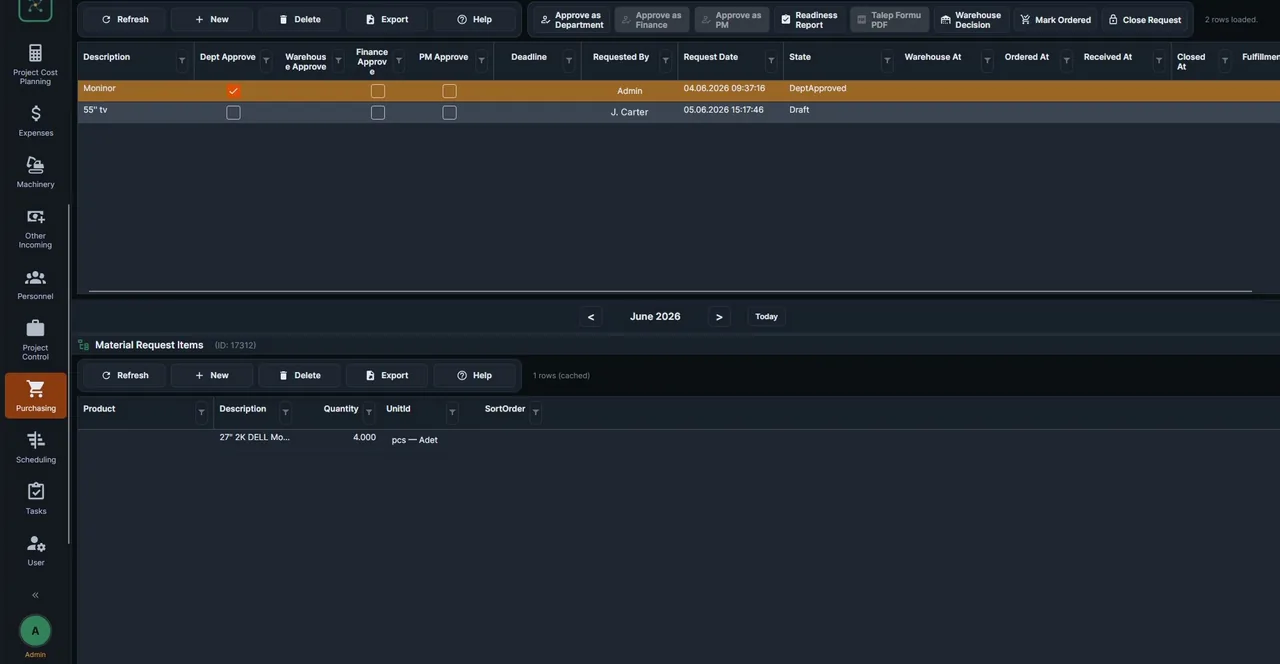
One purchase. An unbroken trail.
Carry the same record from the request to the warehouse receipt.
- 01Request
- 02Quotation
- 03Approval
- 04Purchase order
- 05Receipt

Documents to project data. Days to minutes.
01Quote PDF
PDFSupplier quotation.pdf
02Extracted fields
Concrete C30m³Source · page 1
03Project records
Concrete C30m³✓ Review & confirm
02
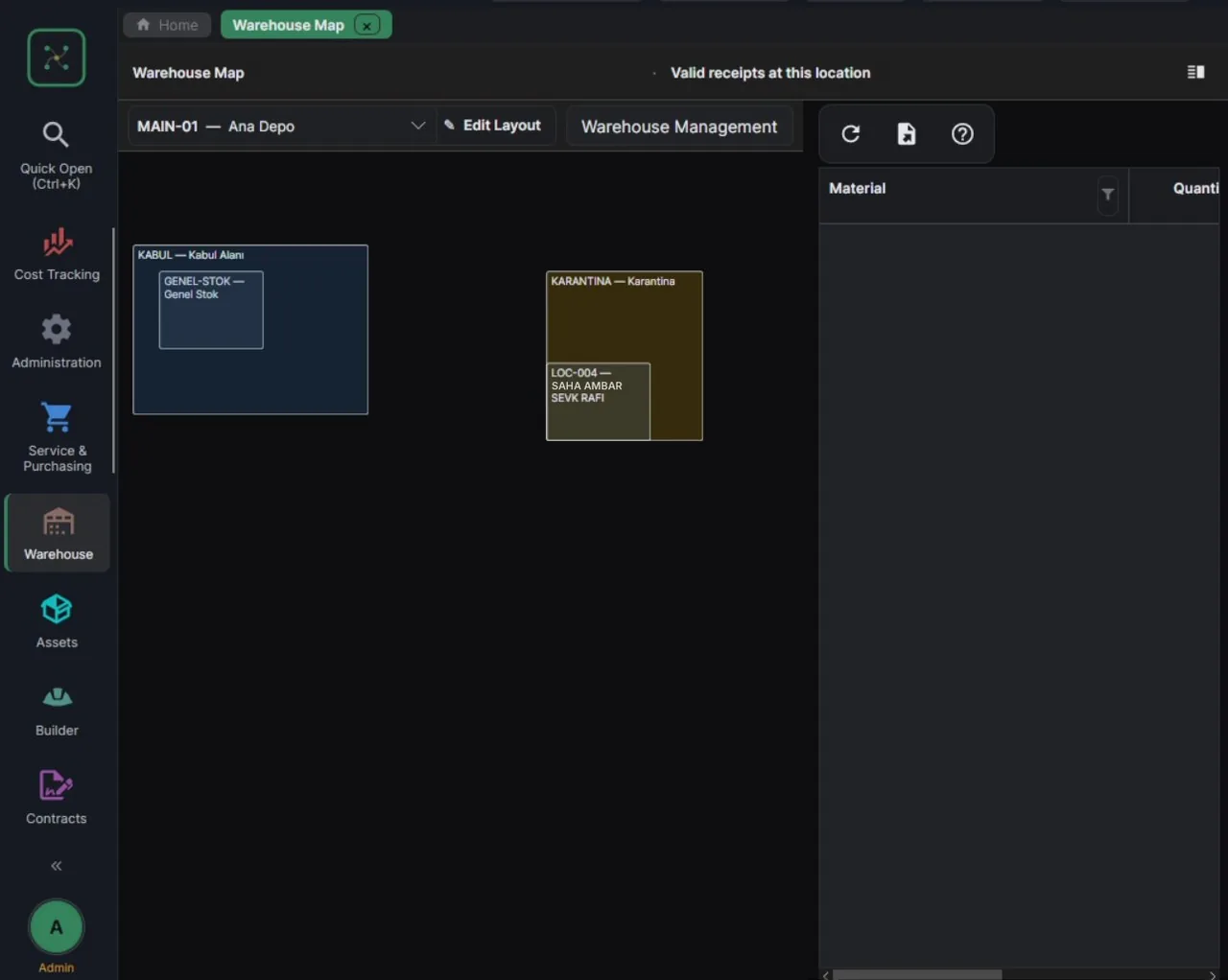
Know where the materials are.
Move from warehouse structure to locations and stock in one view.

03
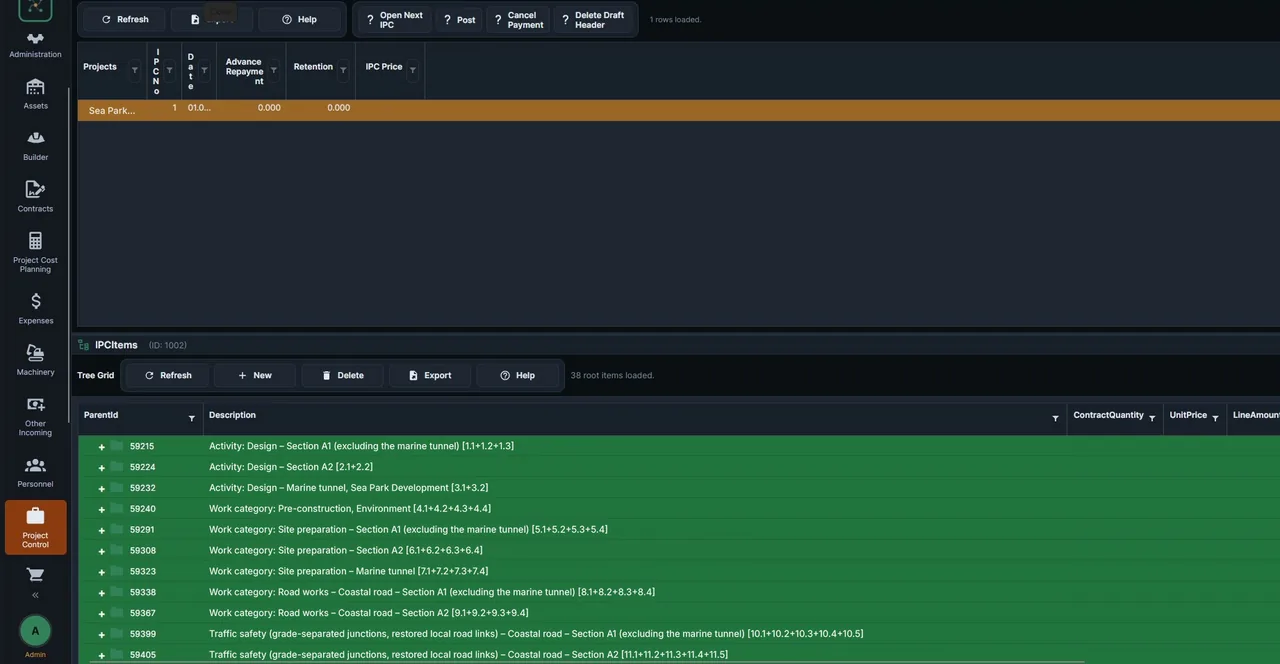
Payment starts with approved work.
Prepare subcontractor payment from approved quantities, including price adjustment.

04
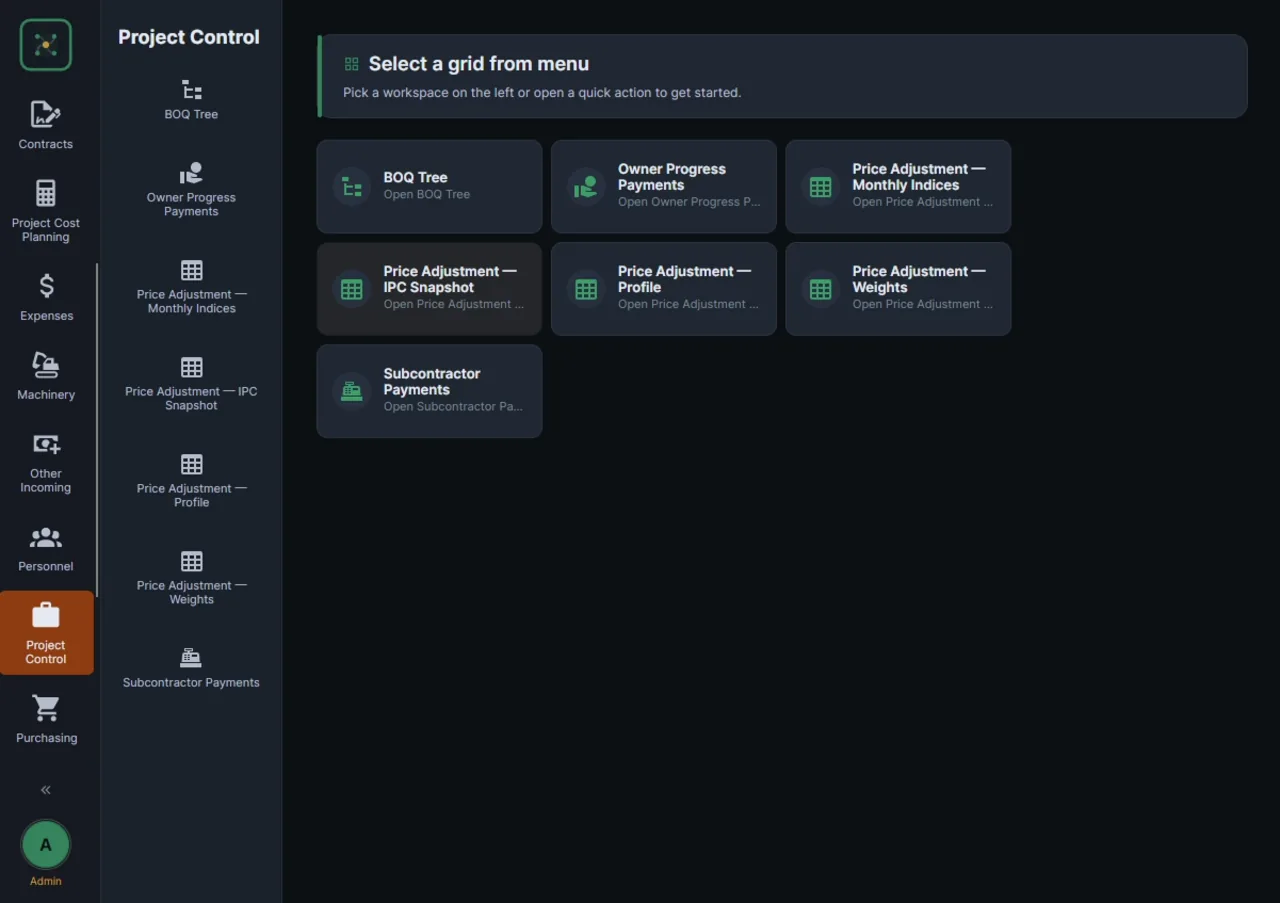
Keep price adjustment in the record.
Review the adjustment alongside the payment it belongs to.

05
Follow the margin, not the files.
Bring costs and income together for a clear project profit-and-loss view.